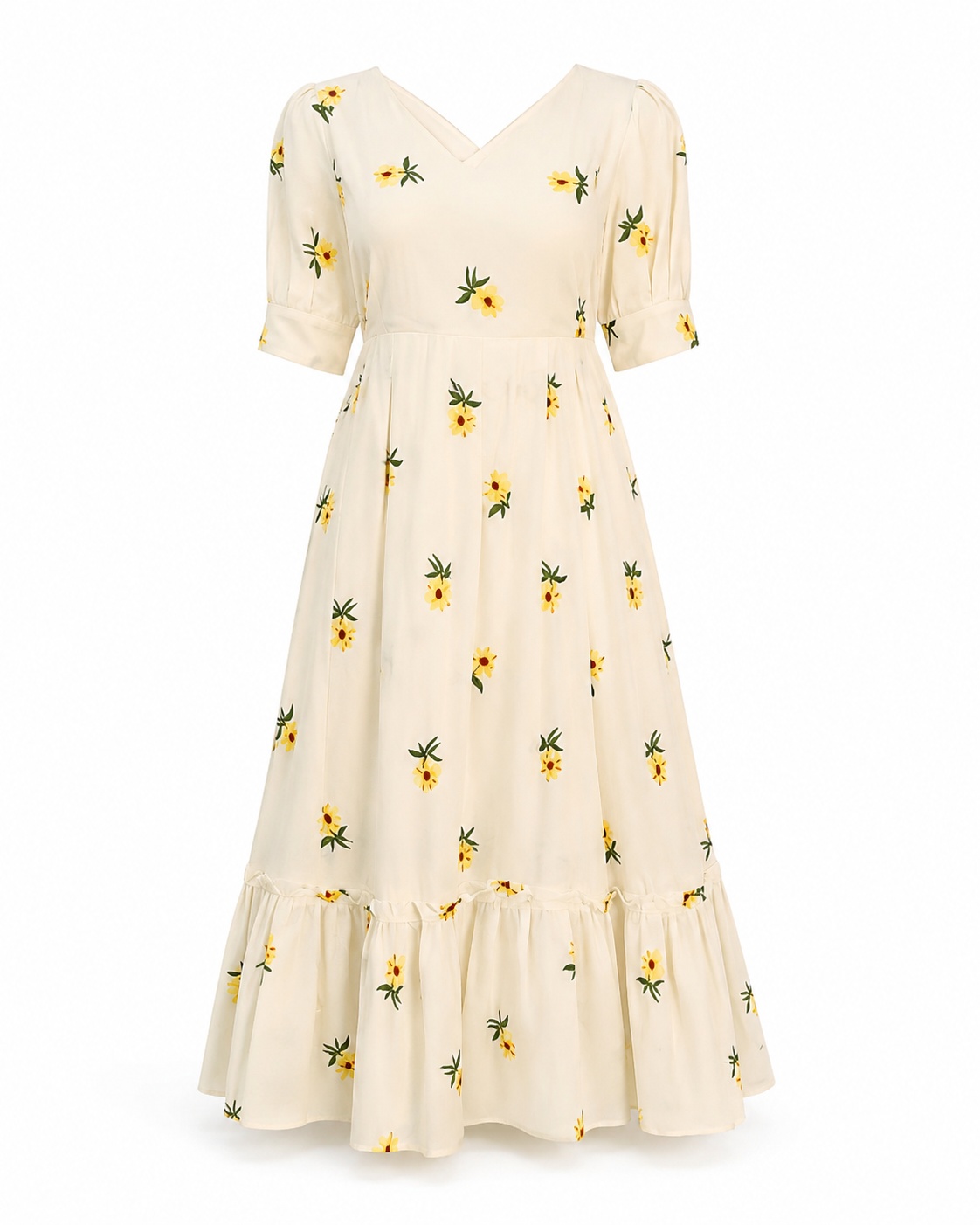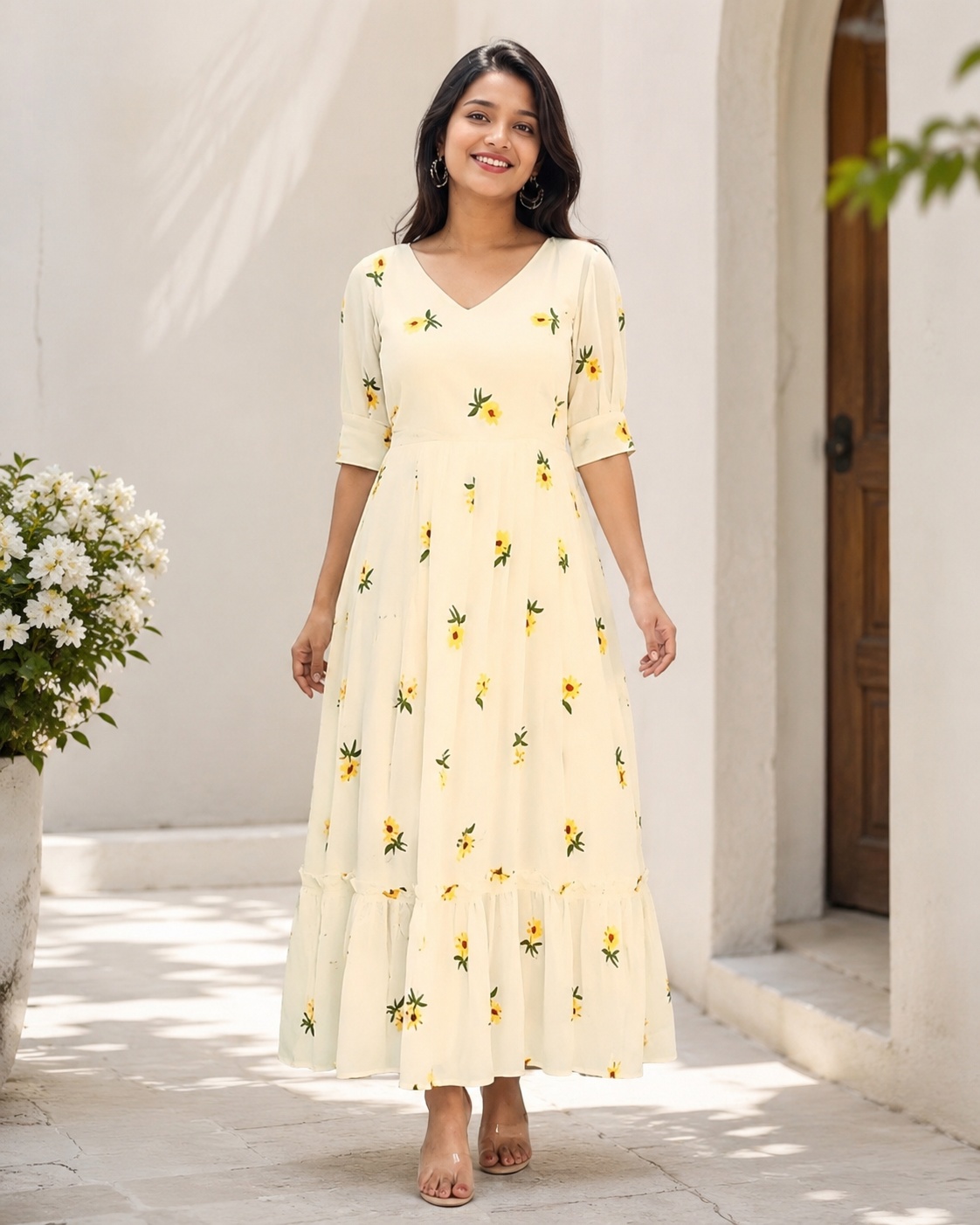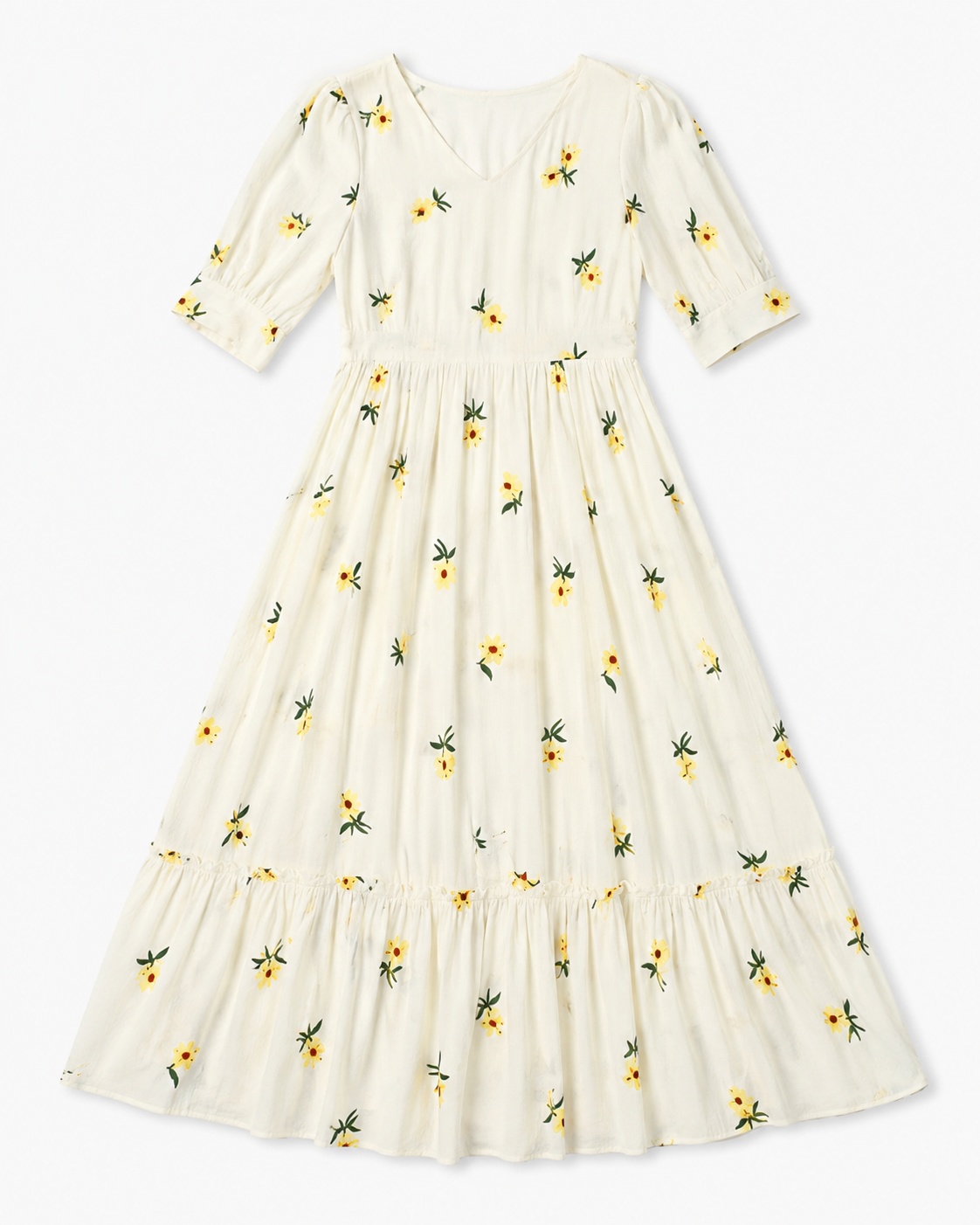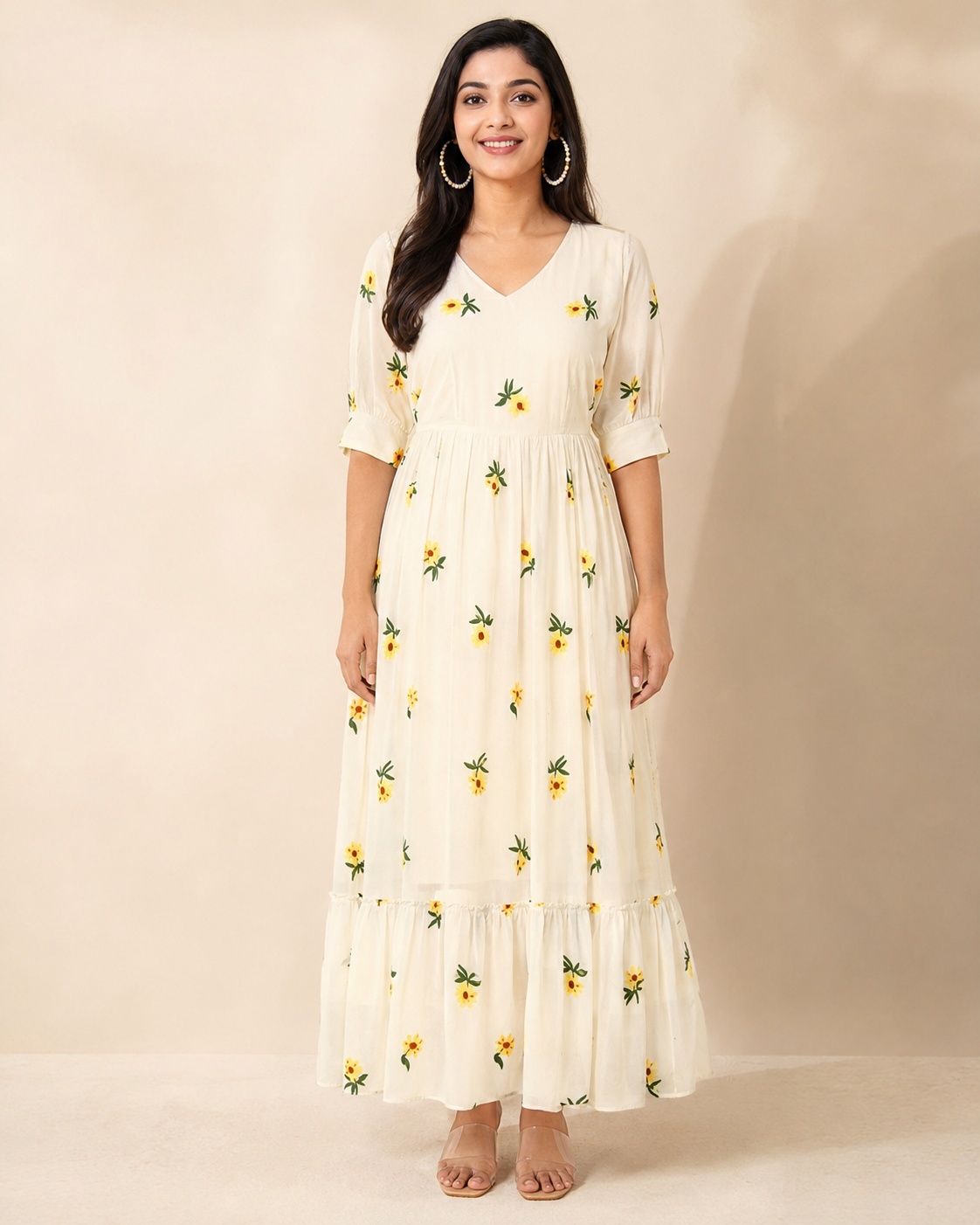
Back View Image
Copy the complete prompt, upload your product photo, and use the fix prompts only when the AI changes the product.
About this Workflow
- Transforms an ordinary dress photo into a professional back-view image of the same exact garment while preserving its identity, construction, colour, print, neckline, sleeves or straps, waistline, hemline, fabric texture and proportions and avoiding invented rear details.
- Amazon sellers, Shopify stores, fashion brands, boutiques and marketplace agencies.
- One clear original photo showing the complete dress and enough construction detail to create a consistent rear presentation.
- A centred, realistic back-view e-commerce image on a clean background with balanced proportions, accurate construction and no invented artwork or branding.
Original photo vs ListingsReady result
Compare the uploaded product reference with the image created using this workflow.

Original product photo
Uploaded reference
ListingsReady result
Click the image to zoom.
Complete Prompt
Using the uploaded dress image as the only product reference, create a professional Amazon secondary image showing the back view of the same exact dress. Preserve the garment identity exactly, including fabric colour, fabric texture, silhouette, length, hemline, neckline, back neckline, sleeve or strap structure, waistline, seams, stitching, zipper if present, belt if present, print, pattern, embroidery, and proportions. If the original product does not show back artwork, do not invent any back print, logo, embroidery, or design. Show the back side clearly on a pure white or clean light neutral background. Center the dress and keep it fully visible from top to bottom. Use commercial studio lighting with soft natural shadows. High-resolution e-commerce product photography.
Best AI to Use
ChatGPT Images
Original Image Required
Your own uploaded product photo — this is the only reference used.
Settings in ChatGPT
- Model
- GPT-5.5
- Intelligence
- High
- Mode
- Create an Image
Workflow Testing
- Last tested
- July 2026
- Tested with
- GPT-5.5
- Workflow version
- 1.0
- Typical result
- 1–2 generations
Common Mistakes
- AI invents back design
- Back neckline becomes unrealistic
- Dress length changes
- Hemline changes
- Waistline shifts
- Sleeves or straps become asymmetrical
- Pattern does not match the front
- Fabric colour changes
- Zipper is invented or removed incorrectly
- Full dress gets cropped
- Background becomes grey
Fix Prompts
If back artwork is invented
Remove all invented back graphics, logos, embroidery, text, or design unless they exist in the original product.
If the back does not match the front
Make the back view look like the same exact dress with matching fabric, colour, length, hemline, waistline, sleeves/straps, pattern, and proportions.
If back neckline changes
Preserve the original back neckline structure as realistically as possible based on the dress design.
If dress length changes
Keep the exact original length and hemline.
If sleeves or straps are asymmetrical
Make both sides balanced and natural while preserving the garment’s original structure.
If pattern changes
Keep the pattern consistent with the uploaded reference and do not invent a new pattern layout.
If full dress is cropped
Show the complete dress from top to hem.
Related Workflows
Explore more image workflows for the same product type.