Feature Highlight Infographic
Copy the complete prompt, upload your product photo, and use the fix prompts only when the AI changes the product.
About this Workflow
- Transforms an ordinary T-shirt photo into a professional feature highlight infographic while preserving the original colour, print, stitching, collar and proportions.
- Amazon sellers, Shopify stores, clothing brands, print-on-demand businesses and marketplace agencies.
- One clear original photo showing the complete T-shirt and all important product details required for the workflow.
- A clean, realistic e-commerce image that clearly communicates the purpose of the workflow while keeping the T-shirt accurate and visually consistent.
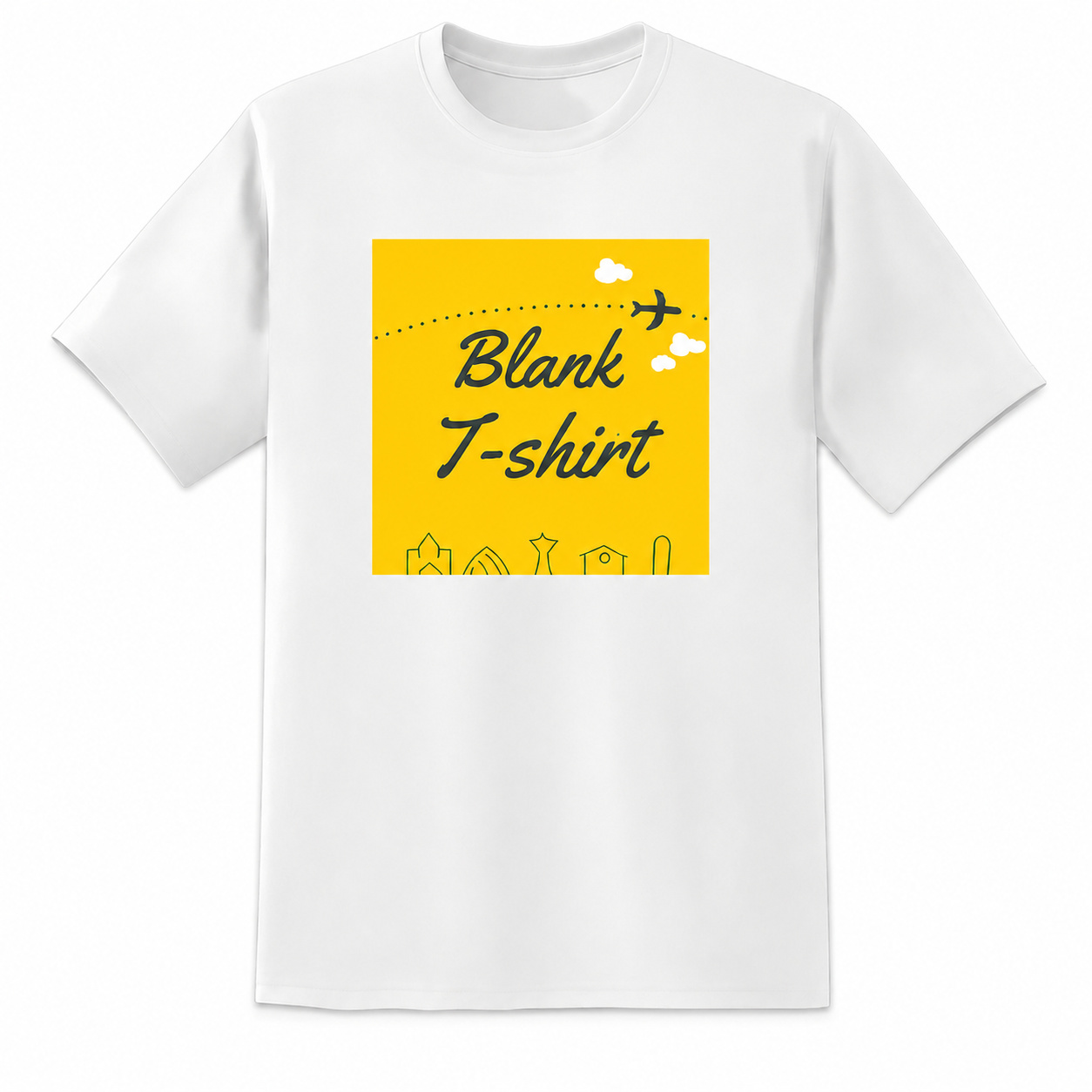
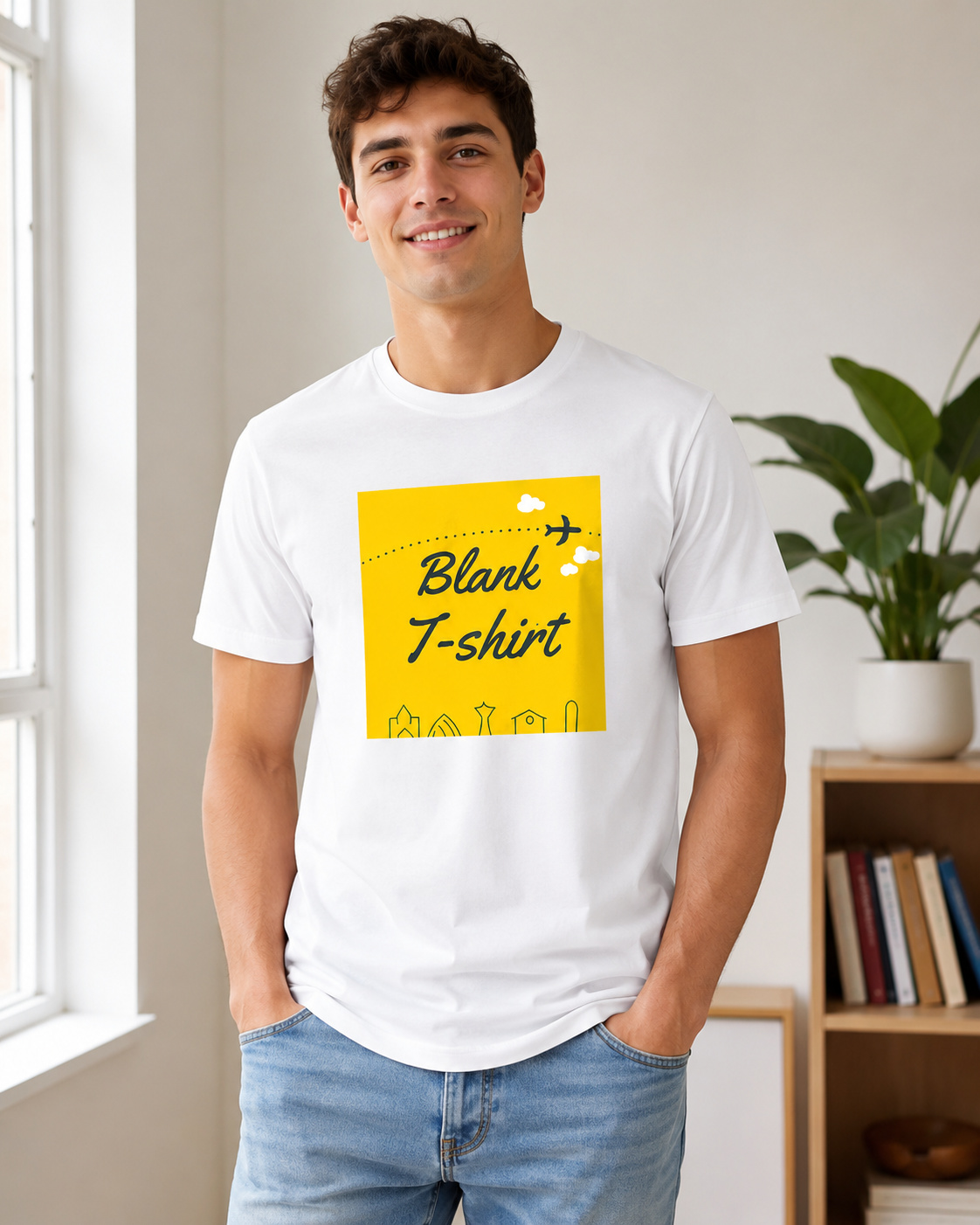
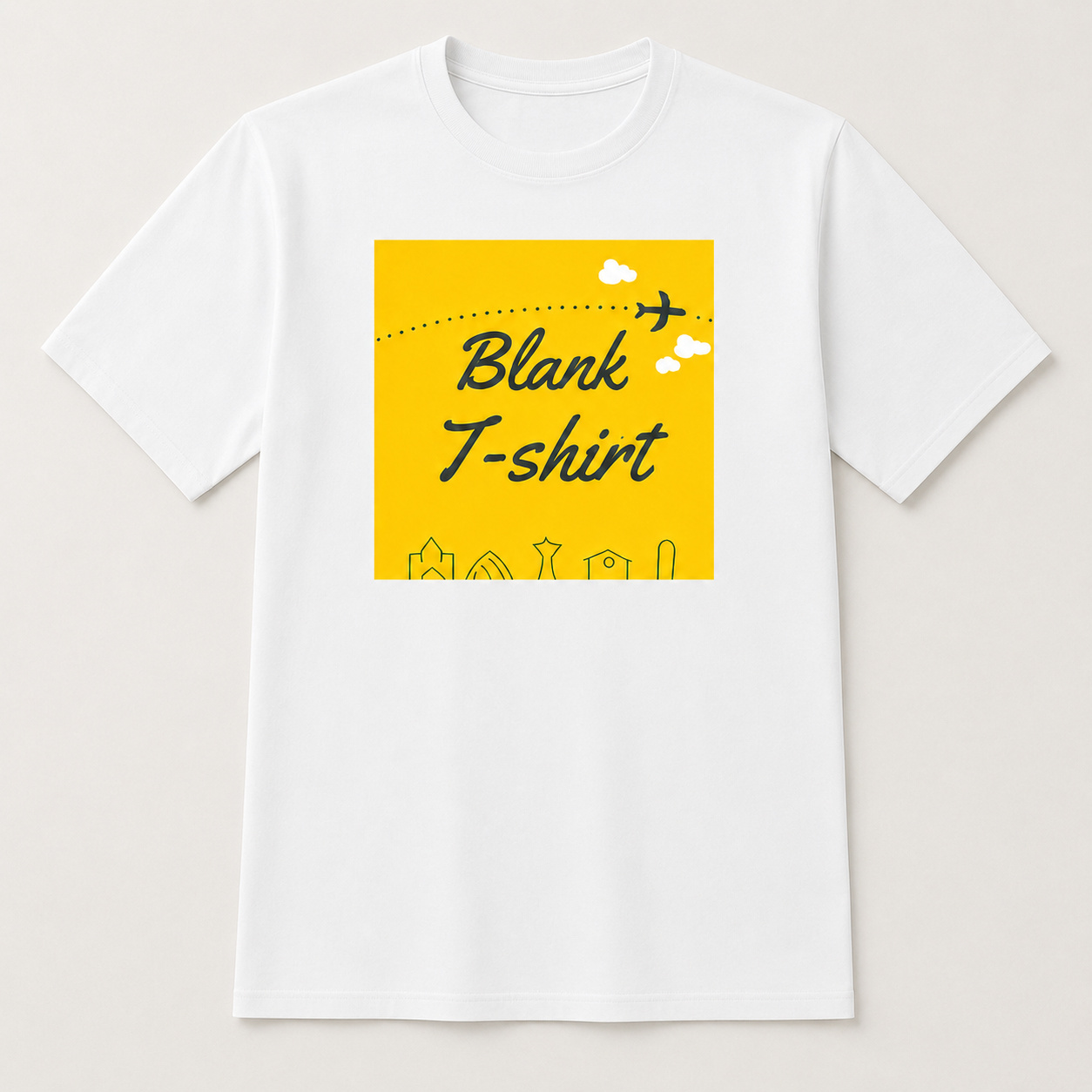
Original photo vs ListingsReady result
Compare the uploaded product reference with the image created using this workflow.

Original product photo
Uploaded reference
Transforms into
ListingsReady result
Click the image to zoom.
Complete Prompt
Using the uploaded T-shirt image as the only product reference, create a clean Amazon infographic-style secondary image highlighting the T-shirt's key product features. Preserve the T-shirt 100% exactly, including shape, collar, sleeves, stitching, folds, fabric texture, print, artwork, and colours. Show the T-shirt clearly and include neat visual callout areas pointing to important features such as fabric softness, breathable feel, durable stitching, comfortable fit, or print quality. Keep the design clean, premium, and easy to understand. Use a white or light neutral background. Leave short editable text placeholders for feature callouts. High-resolution e-commerce infographic style.
Best AI to Use
ChatGPT Images
Original Image Required
Your own uploaded product photo — this is the only reference used.
Settings in ChatGPT
- Model
- GPT-5.5
- Intelligence
- High
- Mode
- Create an Image
Workflow Testing
- Last tested
- July 2026
- Tested with
- GPT-5.5
- Workflow version
- 1.0
- Typical result
- 1–2 generations
Common Mistakes
- Product changes
- Layout becomes too busy
- Text is messy or unusable
- Callout lines point incorrectly
- Fabric or print changes
- Design looks cheap
Fix Prompts
If product changes
Keep the T-shirt fully identical to the uploaded reference.
If layout is too busy
Use a clean premium layout with fewer, clearer callouts.
If text is bad
Use short clean placeholder text blocks only.
If callouts are wrong
Point callouts to realistic garment areas such as collar, sleeve hem, or fabric area.
Related Workflows
Explore more image workflows for the same product type.