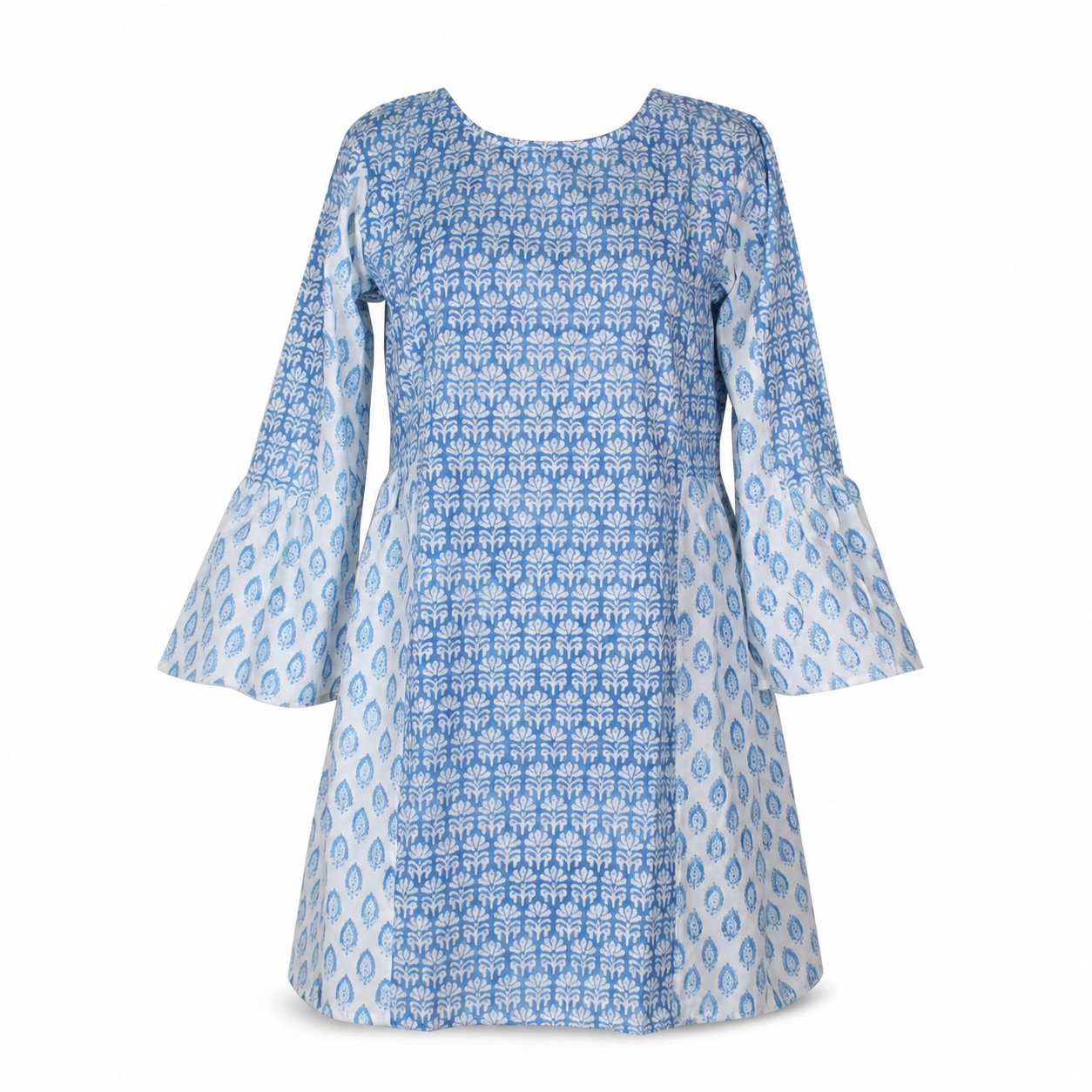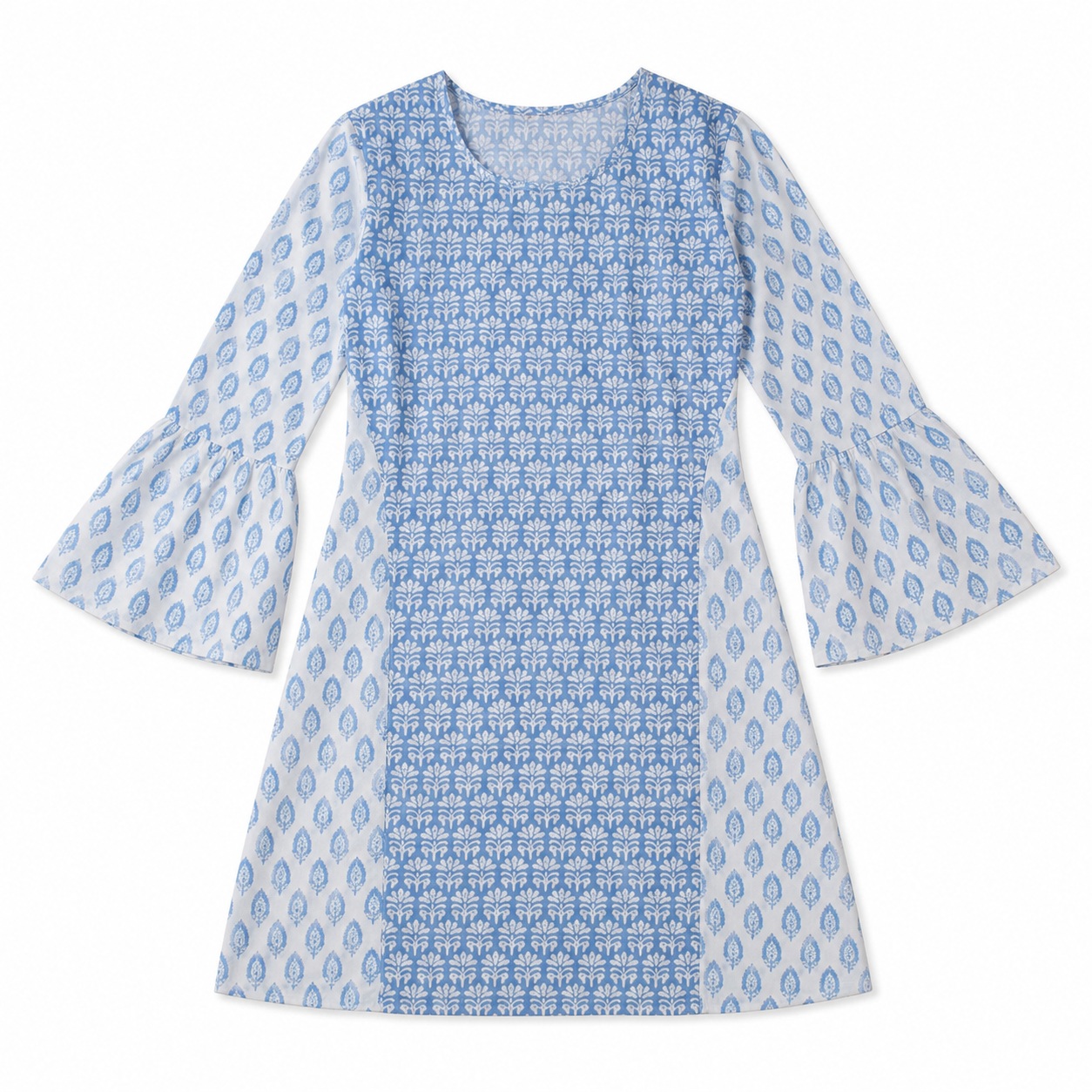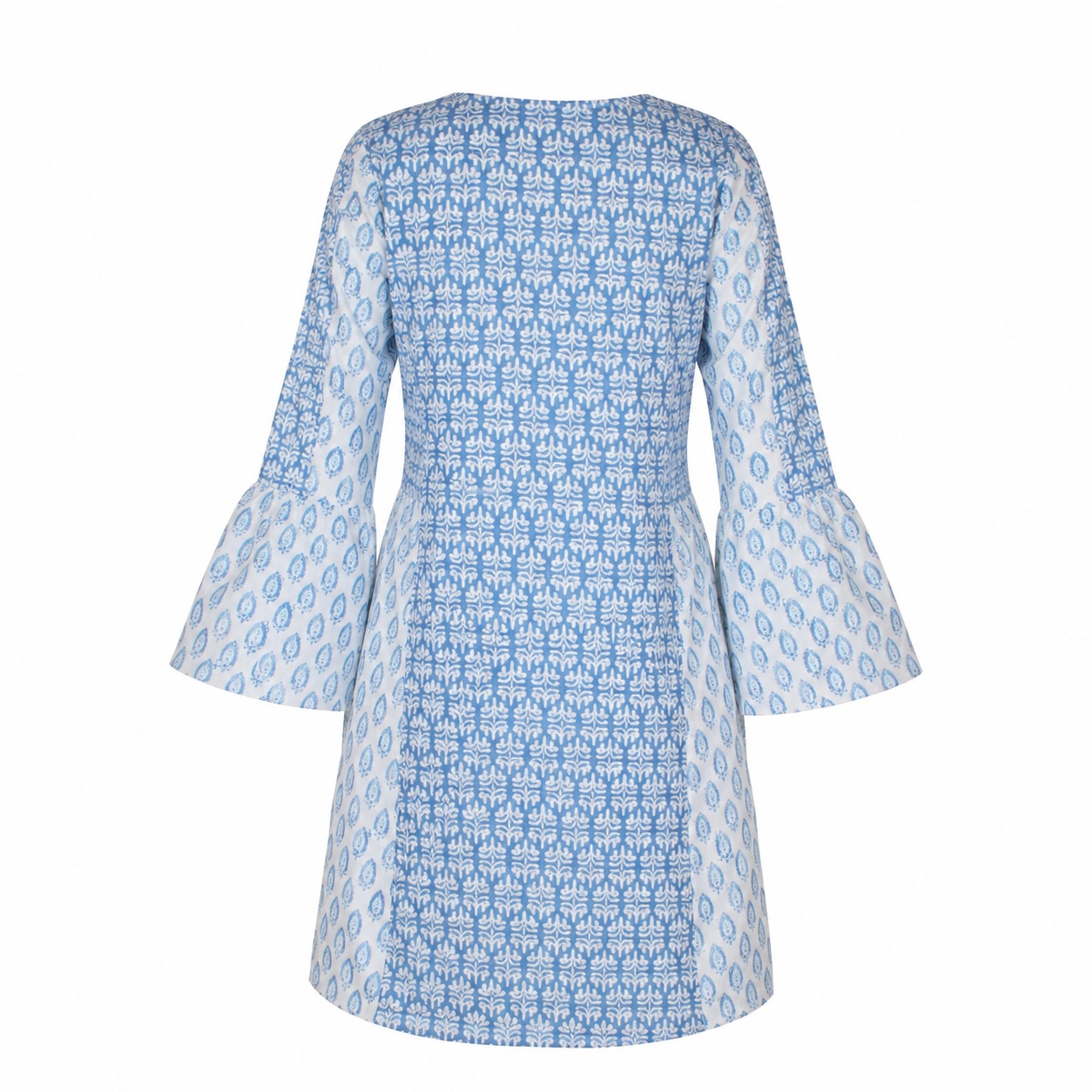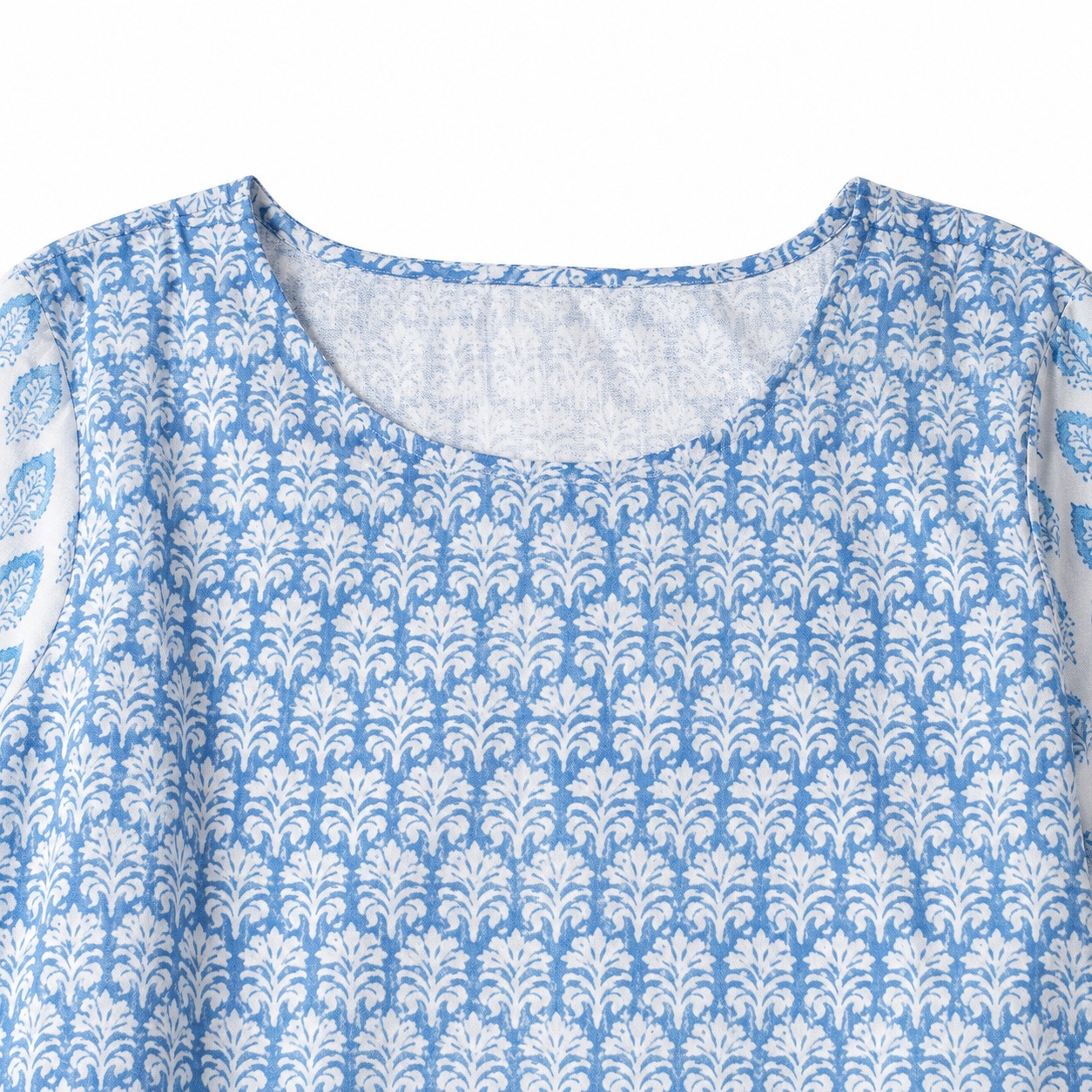
Lifestyle Model Image
Copy the complete prompt, upload your product photo, and use the fix prompts only when the AI changes the product.
About this Workflow
- Transforms an ordinary kurti or ethnic-wear garment photo into a professional lifestyle image showing the exact garment naturally worn by a realistic model while preserving the original colour, print or embroidery, neckline, sleeves, side slits, hemline, fabric texture and proportions.
- Amazon sellers, Shopify stores, ethnic-wear brands, boutiques and marketplace agencies.
- One clear original photo showing the complete kurti or ethnic-wear garment, preferably from the front with all important design details visible.
- A realistic e-commerce lifestyle image with a natural model pose, believable fit, clean commercial lighting and the kurti or ethnic-wear garment remaining the clear focus.
Original photo vs ListingsReady result
Compare the uploaded product reference with the image created using this workflow.

Original product photo
Uploaded reference
ListingsReady result
Click the image to zoom.
Complete Prompt
Using the uploaded kurti or ethnic wear image as the only product reference, create a realistic Amazon secondary lifestyle image showing the exact garment worn by a natural-looking model. Preserve the garment 100% exactly, including silhouette, length, neckline, sleeves, side slits, hemline, seams, stitching, embroidery, print, pattern, border design, buttons, tassels if present, fabric texture, fabric fall, and colours. The kurti/ethnic garment should fit naturally on the model without stretching, shrinking, shortening, lengthening, or changing the design. Show the model in a clean ethnic lifestyle setting such as a simple studio, courtyard, festive indoor setting, casual outdoor walkway, or elegant minimal home setting. The full garment must remain clearly visible from neckline to hem. No dupatta, handbag, crossed arms, jewellery, or props should cover important garment details unless specifically requested. Use realistic commercial lighting and high-resolution fashion e-commerce photography.
Best AI to Use
ChatGPT Images
Original Image Required
Your own uploaded product photo — this is the only reference used.
Settings in ChatGPT
- Model
- GPT-5.5
- Intelligence
- High
- Mode
- Create an Image
Workflow Testing
- Last tested
- July 2026
- Tested with
- GPT-5.5
- Workflow version
- 1.0
- Typical result
- 1–2 generations
Common Mistakes
- Kurti becomes a different style
- Length changes on the model
- Neckline changes
- Sleeve length changes
- Side slits disappear
- Embroidery changes
- Border design changes
- Print or pattern changes
- Model pose hides the garment
- Fit becomes too tight or loose
- Fabric colour shifts
- Background becomes too festive or distracting
- Full garment gets cropped
- AI adds accessories that cover the garment
Fix Prompts
If the garment changes
Keep the uploaded kurti/ethnic garment identical. Only adjust the model, pose, or background.
If length changes
Preserve the exact original garment length and hemline while fitting it naturally on the model.
If neckline changes
Restore the original neckline shape, depth, embroidery, border, and construction exactly.
If sleeves change
Preserve the original sleeve length, width, border, embroidery, and fabric fall.
If side slits disappear
Restore the original side slit placement and length exactly.
If embroidery changes
Keep the embroidery exactly identical to the uploaded reference.
If print or pattern changes
Preserve the exact original print, pattern, border design, and colour placement.
If the garment is hidden
Use a simple standing pose where the full kurti/ethnic garment remains visible from neckline to hem.
If fit looks wrong
Make the garment fit naturally without changing silhouette, length, sleeves, neckline, or side slits.
If scene distracts from product
Simplify the background and keep the garment as the clear visual focus.
Related Workflows
Explore more image workflows for the same product type.