Main Listing Image
Copy the complete prompt, upload your product photo, and use the fix prompts only when the AI changes the product.
About this Workflow
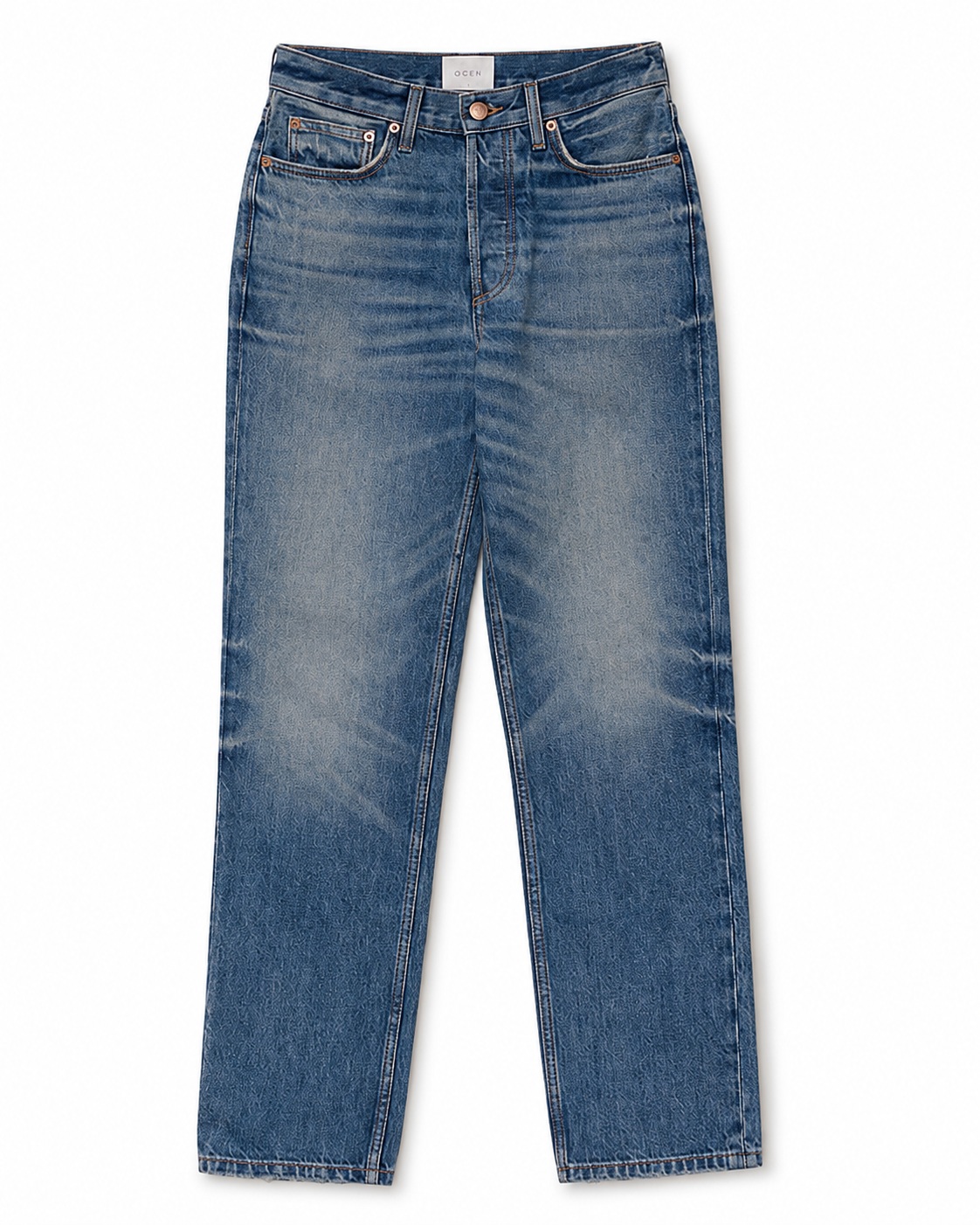
- Transforms an ordinary jeans or pants photo into a professional main listing image with the product centred on a pure white background while preserving the original colour or wash, waistband, pockets, belt loops, stitching, seams, fabric texture, hem and proportions.
- Amazon sellers, Shopify stores, denim brands, apparel retailers and marketplace agencies.
- One clear original photo showing the complete jeans or pants and all important product details.
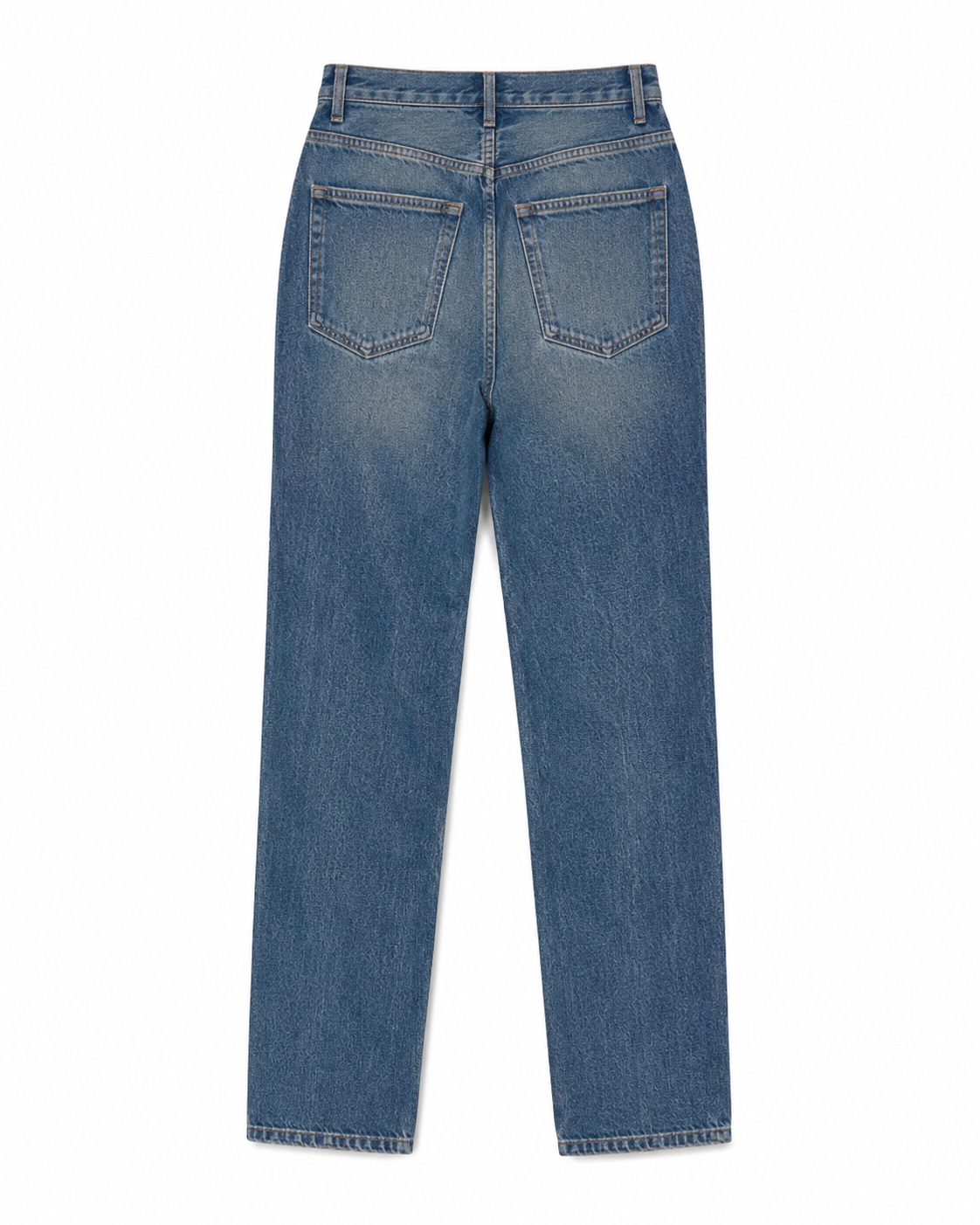
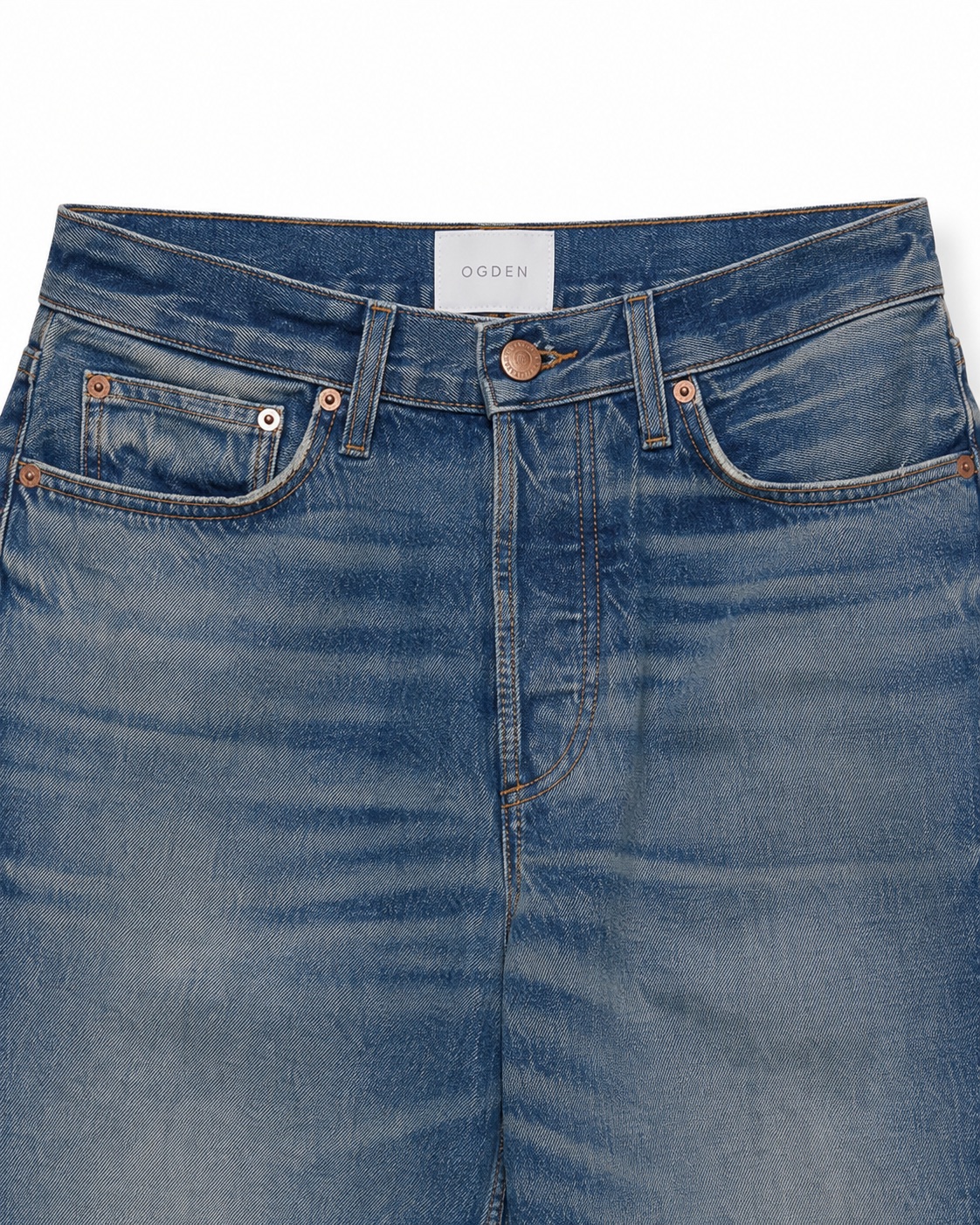
- A clean, front-facing e-commerce product image with a pure white background, balanced studio lighting, sharp product details and a natural contact shadow.
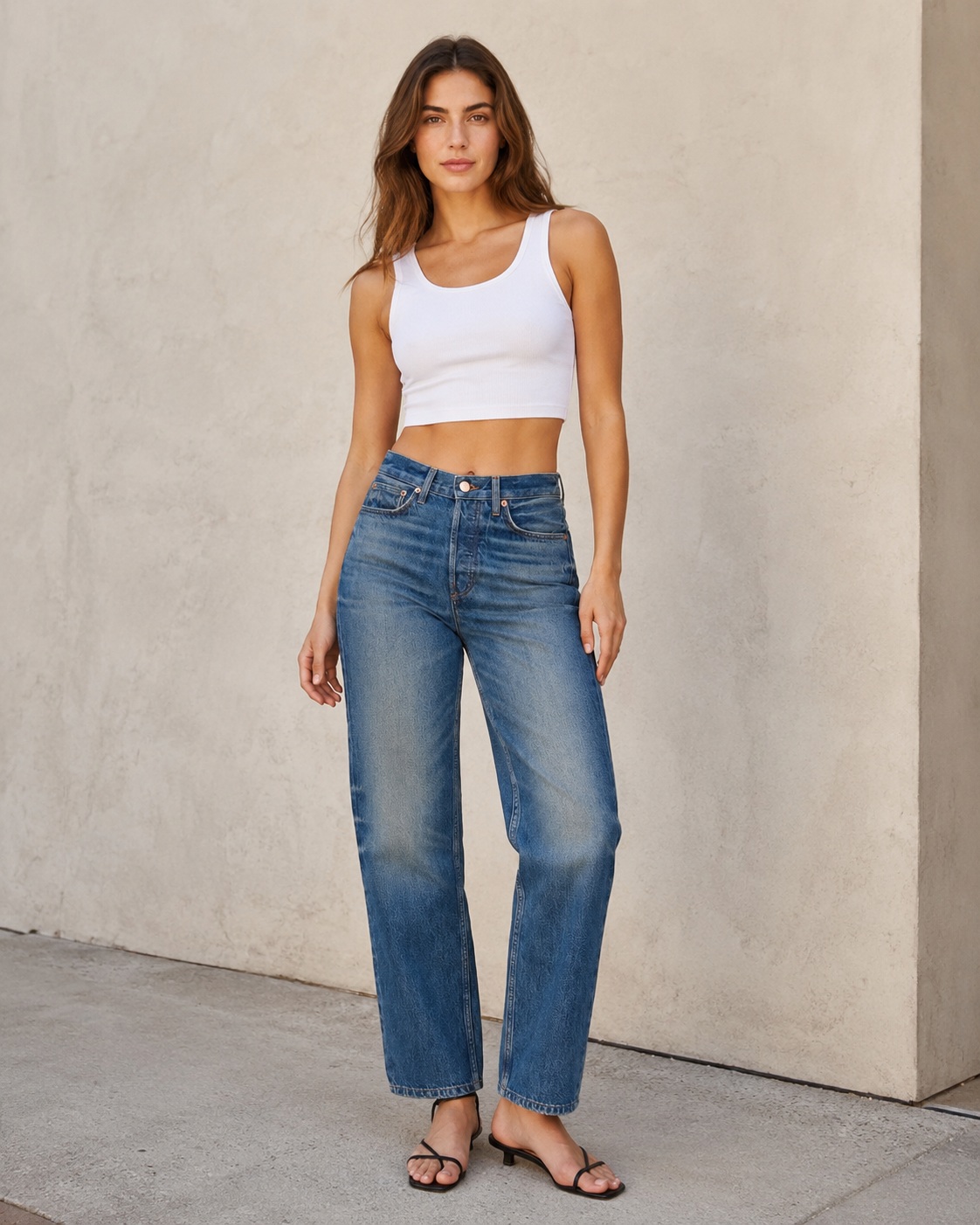
Original photo vs ListingsReady result
Compare the uploaded product reference with the image created using this workflow.

Original product photo
Uploaded reference
ListingsReady result
Click the image to zoom.
Complete Prompt
Using the uploaded jeans or pants image as the only product reference, create a professional Amazon main listing image. The jeans/pants must remain 100% identical to the uploaded reference. Do not modify, redesign, recolor, reshape, regenerate, or reinterpret the product. Preserve exactly: pant silhouette, waistline, waistband, belt loops, button, zipper fly, front pockets, coin pocket if present, stitching, seams, rivets if present, fabric texture, denim wash or fabric finish, pleats if present, taper, leg width, cuffs, hemline, length, print, pattern, logo, labels if visible, colours, and natural garment shadows. Remove only the existing background and replace it with a pure white (#FFFFFF) background. Place the full jeans/pants centered in the frame. Show the front view only. The full garment must be visible from waistband to hem with no cropping. No model, no mannequin, no hanger, no props, no floor, no reflections, no extra objects, and no promotional text. Use clean commercial studio lighting with a soft natural contact shadow beneath the garment. Ultra high-resolution Amazon-ready apparel product photography. Keep the uploaded jeans/pants completely unchanged.
Best AI to Use
ChatGPT Images
Original Image Required
Your own uploaded product photo — this is the only reference used.
Settings in ChatGPT
- Model
- GPT-5.5
- Intelligence
- High
- Mode
- Create an Image
Workflow Testing
- Last tested
- July 2026
- Tested with
- GPT-5.5
- Workflow version
- 1.0
- Typical result
- 1–2 generations
Common Mistakes
- Pant length changes
- Waistband changes
- Belt loops disappear
- Pocket shape changes
- Button or zipper changes
- Denim wash changes
- Stitching changes
- Leg width becomes too slim or too wide
- Fabric texture becomes fake
- Colour shifts
- Hemline changes
- Full pants get cropped
- AI creates a different pair of jeans/pants
Fix Prompts
If the product changes
Keep the uploaded jeans/pants completely identical. Do not redesign, reshape, recolor, or regenerate the garment. Only change the background.
If pant length changes
Preserve the exact original length and hemline shown in the uploaded reference.
If waistband changes
Restore the original waistband shape, height, stitching, belt loops, button, and zipper fly exactly.
If pockets change
Preserve the exact original pocket shape, size, placement, stitching, and opening.
If belt loops disappear
Restore the original belt loops exactly as shown in the uploaded reference.
If stitching changes
Preserve the original stitching colour, seam placement, thread pattern, and construction details.
If denim wash or fabric finish changes
Preserve the exact original denim wash, fade, fabric texture, colour tone, and finish.
If leg width changes
Keep the original leg width, taper, silhouette, and proportions exactly.
If full garment is cropped
Show the complete jeans/pants from waistband to hem with enough white space around it.
If background is not pure white
Replace the background with pure white (#FFFFFF) only.
Related Workflows
Explore more image workflows for the same product type.