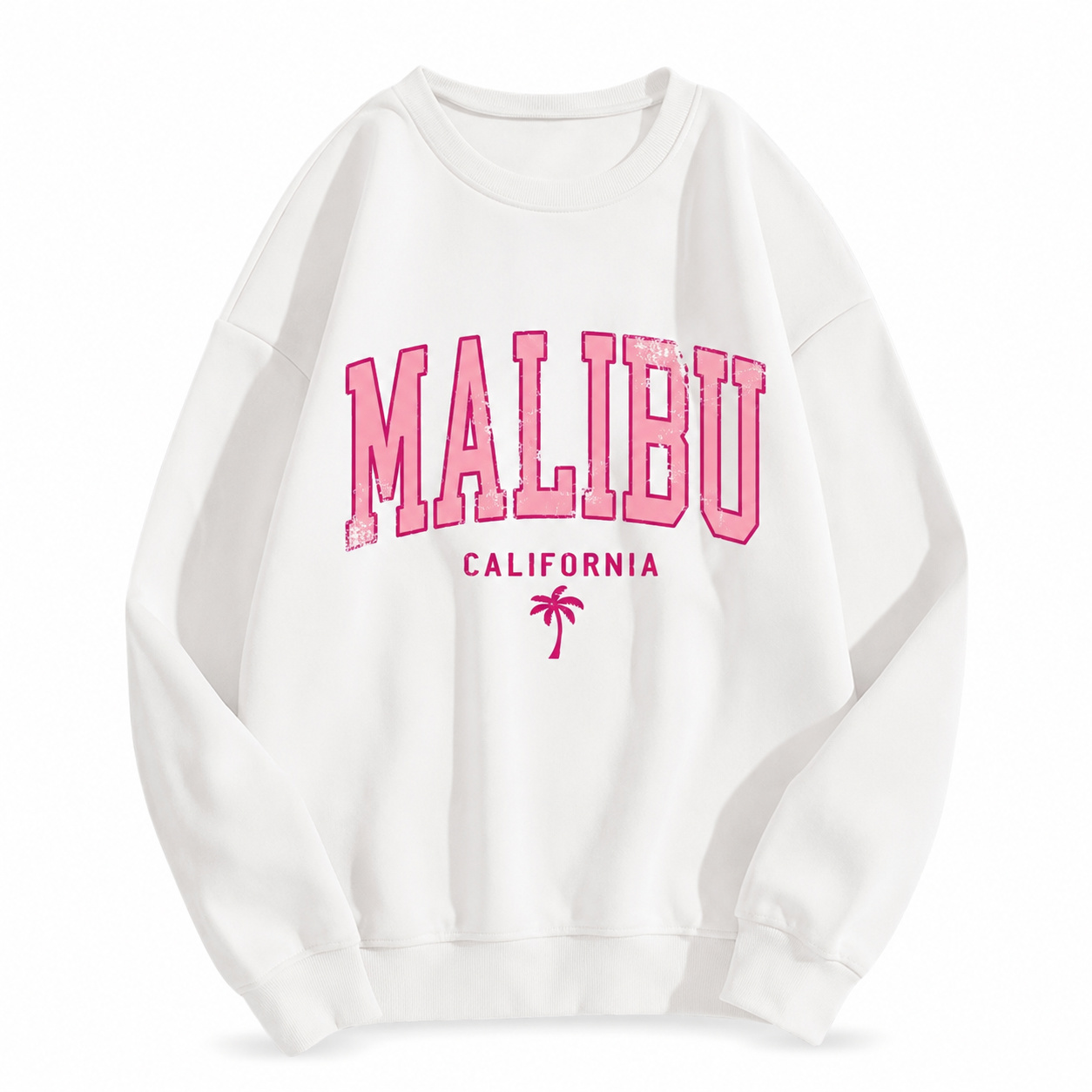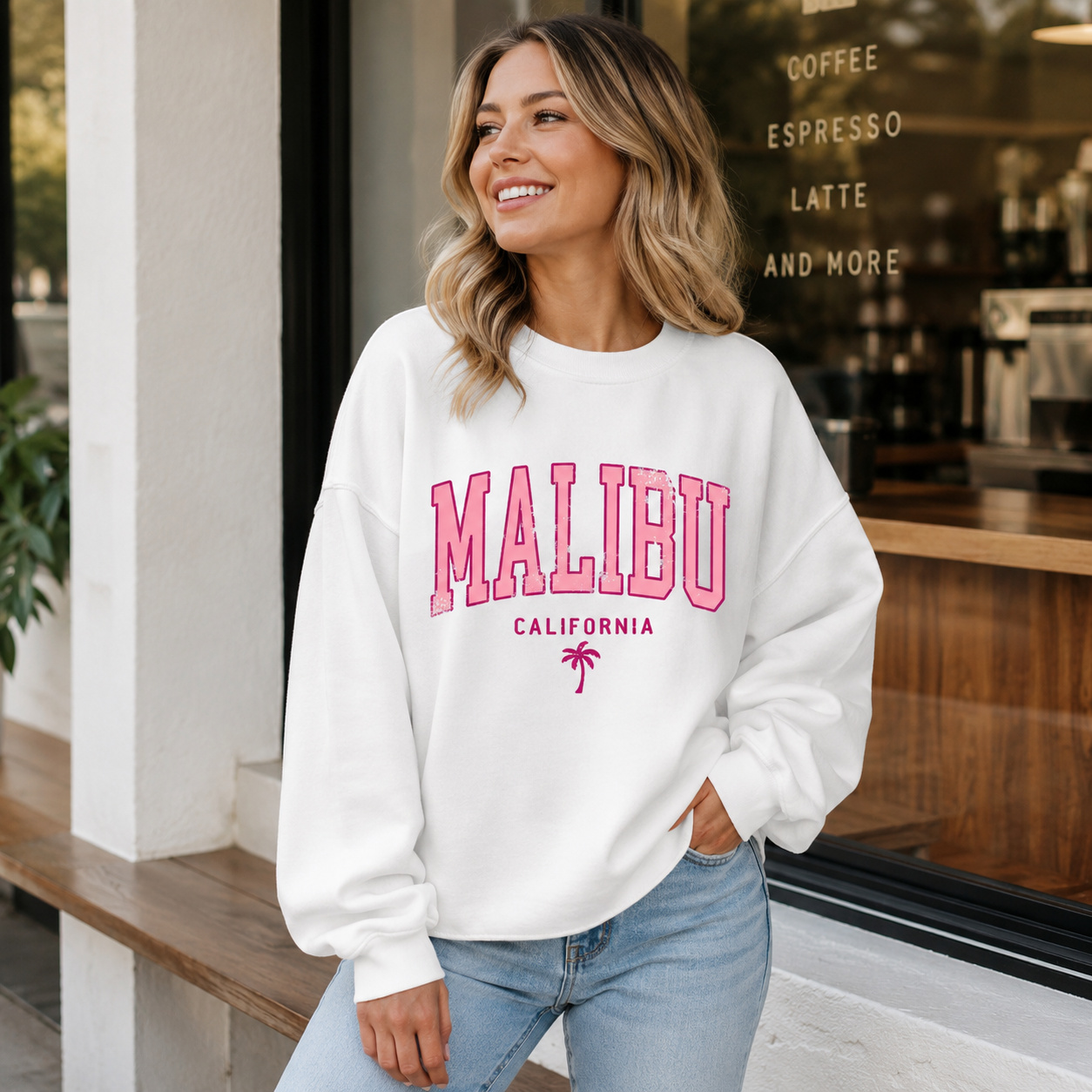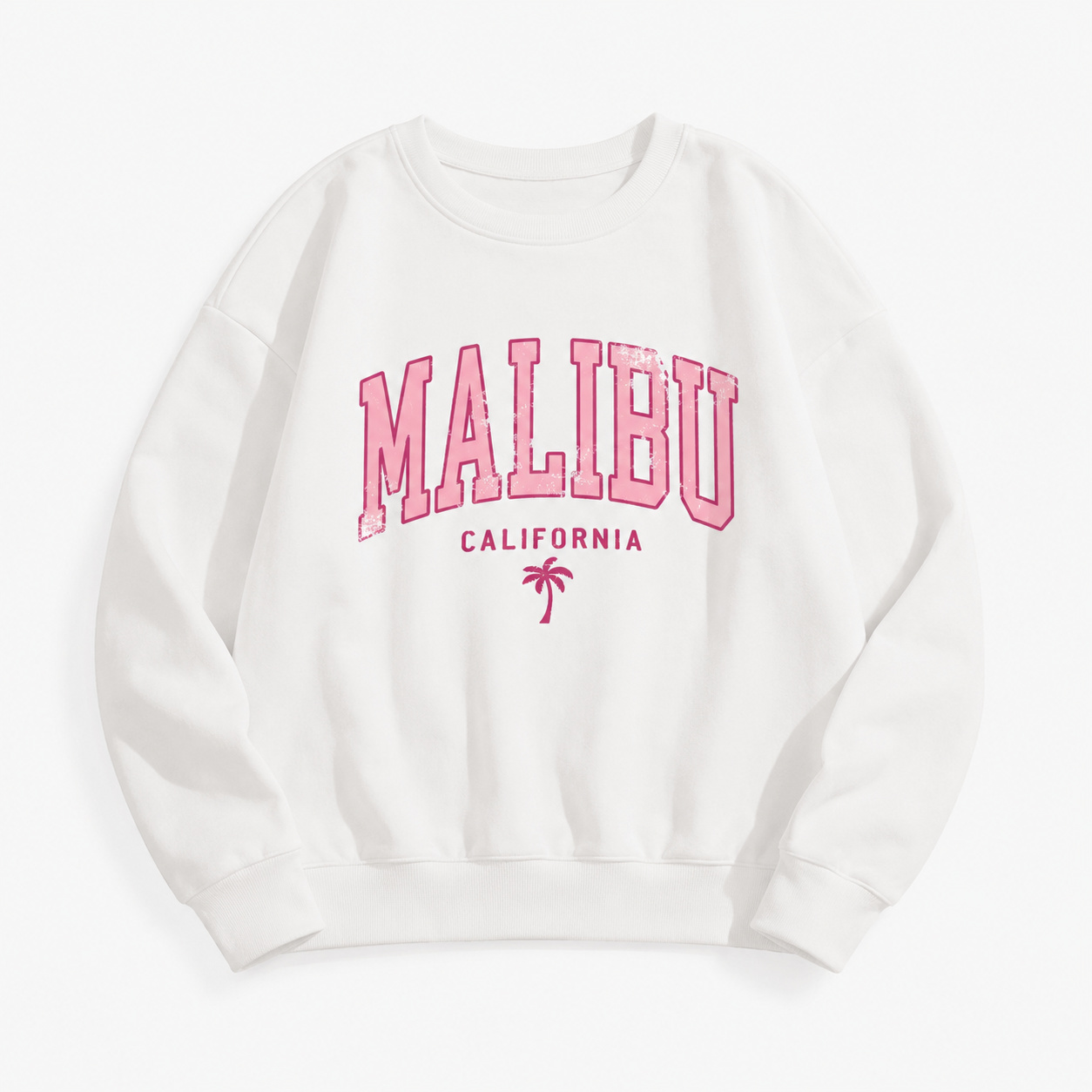
Warmth / Comfort Feature Infographic - Hoodie / Sweatshirt
Copy the complete prompt, upload your product photo, and use the fix prompts only when the AI changes the product.
About this Workflow
- Transforms an ordinary hoodie or sweatshirt photo into a professional warmth / comfort feature infographic while preserving the original colour, print, hood, drawstrings, cuffs, stitching, fabric texture and proportions.
- Amazon sellers, Shopify stores, streetwear brands, print-on-demand businesses and marketplace agencies.
- One clear original photo showing the complete hoodie or sweatshirt and all important product details required for the workflow.
- A clean, realistic e-commerce image that clearly communicates the purpose of the workflow while keeping the hoodie or sweatshirt accurate and visually consistent.
Original photo vs ListingsReady result
Compare the uploaded product reference with the image created using this workflow.

Original product photo
Uploaded reference
ListingsReady result
Click the image to zoom.
Complete Prompt
Using the uploaded hoodie or sweatshirt image as the only product reference, create a premium Amazon secondary infographic image highlighting comfort, warmth, and everyday wear features. Preserve the hoodie/sweatshirt exactly, including hood, drawstrings, pocket, sleeves, cuffs, waistband, stitching, fabric texture, print/logo, artwork, colours, and proportions. Show the product clearly on a white or light neutral background. Add clean visual callout placeholders for comfort, soft feel, warmth, relaxed fit, and fabric texture. Do not make unverified claims. Do not cover or change the product. Use a clean premium layout with editable text placeholders. High-resolution e-commerce infographic style.
Best AI to Use
ChatGPT Images + Canva for final text editing
Original Image Required
Your own uploaded product photo — this is the only reference used.
Settings in ChatGPT
- Model
- GPT-5.5
- Intelligence
- High
- Mode
- Create an Image
Workflow Testing
- Last tested
- July 2026
- Tested with
- GPT-5.5
- Workflow version
- 1.0
- Typical result
- 1–2 generations
Common Mistakes
- AI invents unsupported warmth claims
- Text becomes unreadable
- Product changes
- Print/logo changes
- Callouts cover the product
- Layout becomes cluttered
- Icons look cheap
- Fabric texture changes
Fix Prompts
If product changes
Keep the hoodie/sweatshirt completely identical to the uploaded reference.
If claims are too specific
Use generic editable placeholder text only unless exact product claims are provided.
If callouts cover the product
Move callouts away from the hoodie/sweatshirt and keep all key details visible.
If text is unreadable
Use clean placeholder text blocks. Final text will be added manually.
If layout is cluttered
Use a minimal premium layout with 3-4 clear feature callouts.
If print/logo changes
Preserve the original artwork exactly.
If fabric texture changes
Keep the original fabric texture and thickness.
Related Workflows
Explore more image workflows for the same product type.