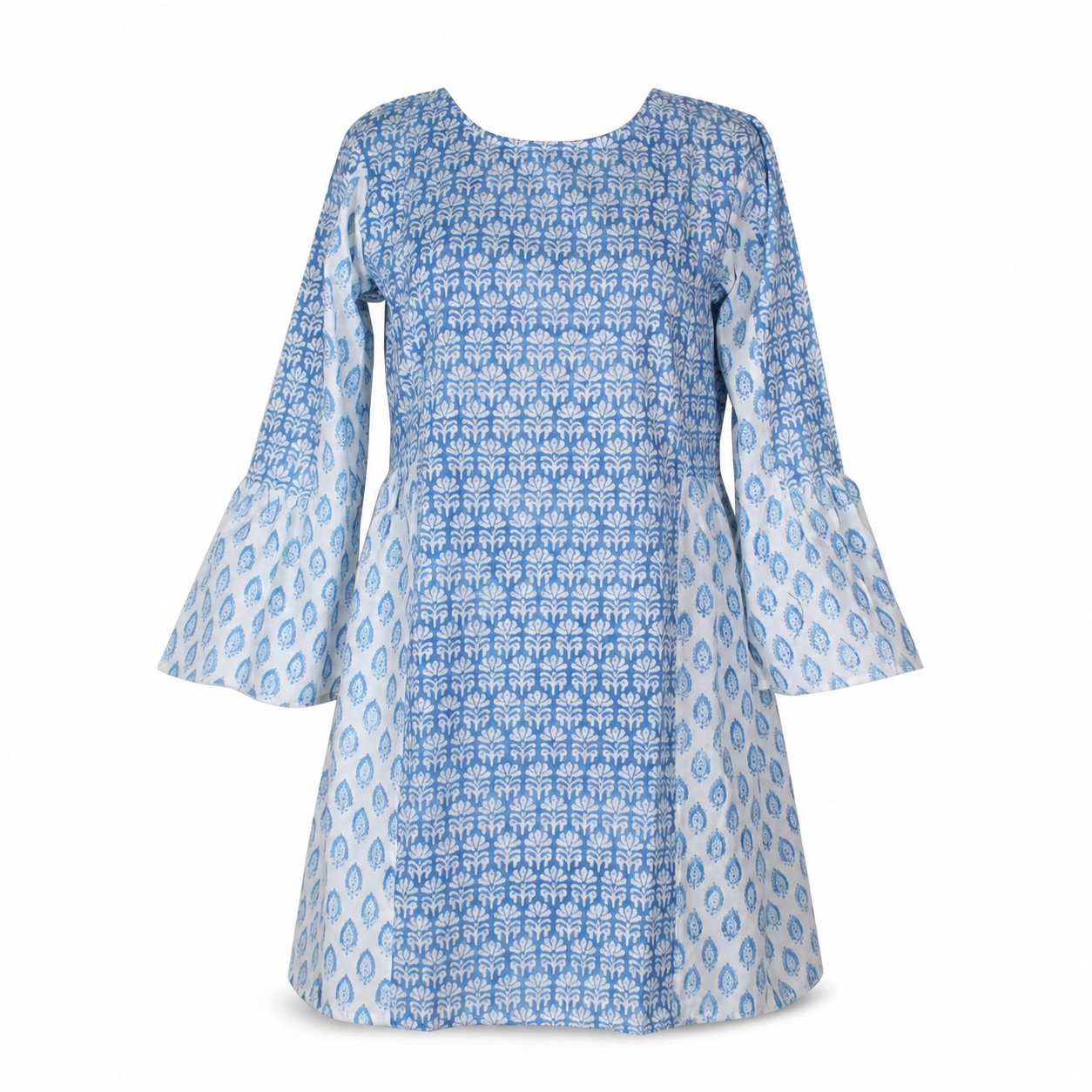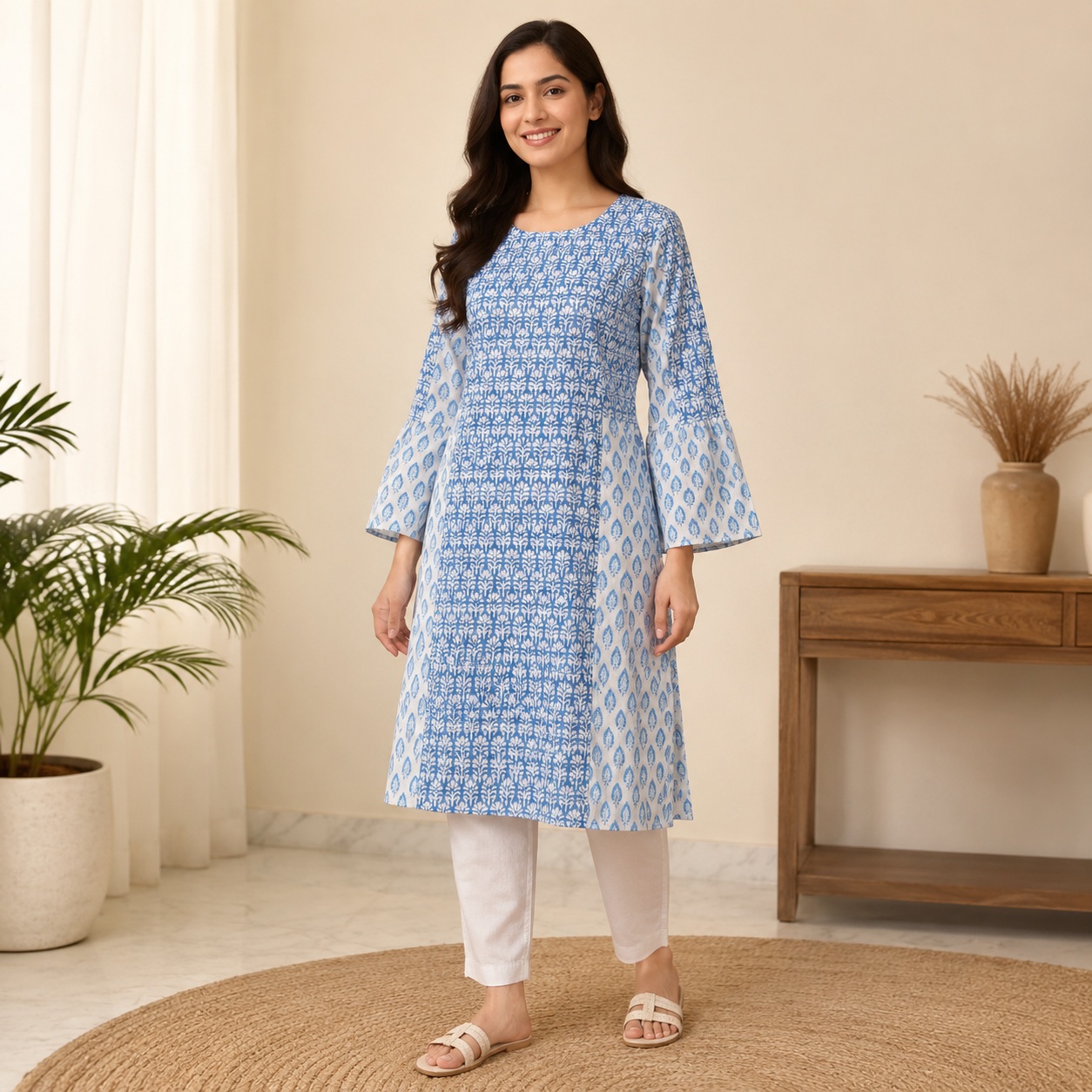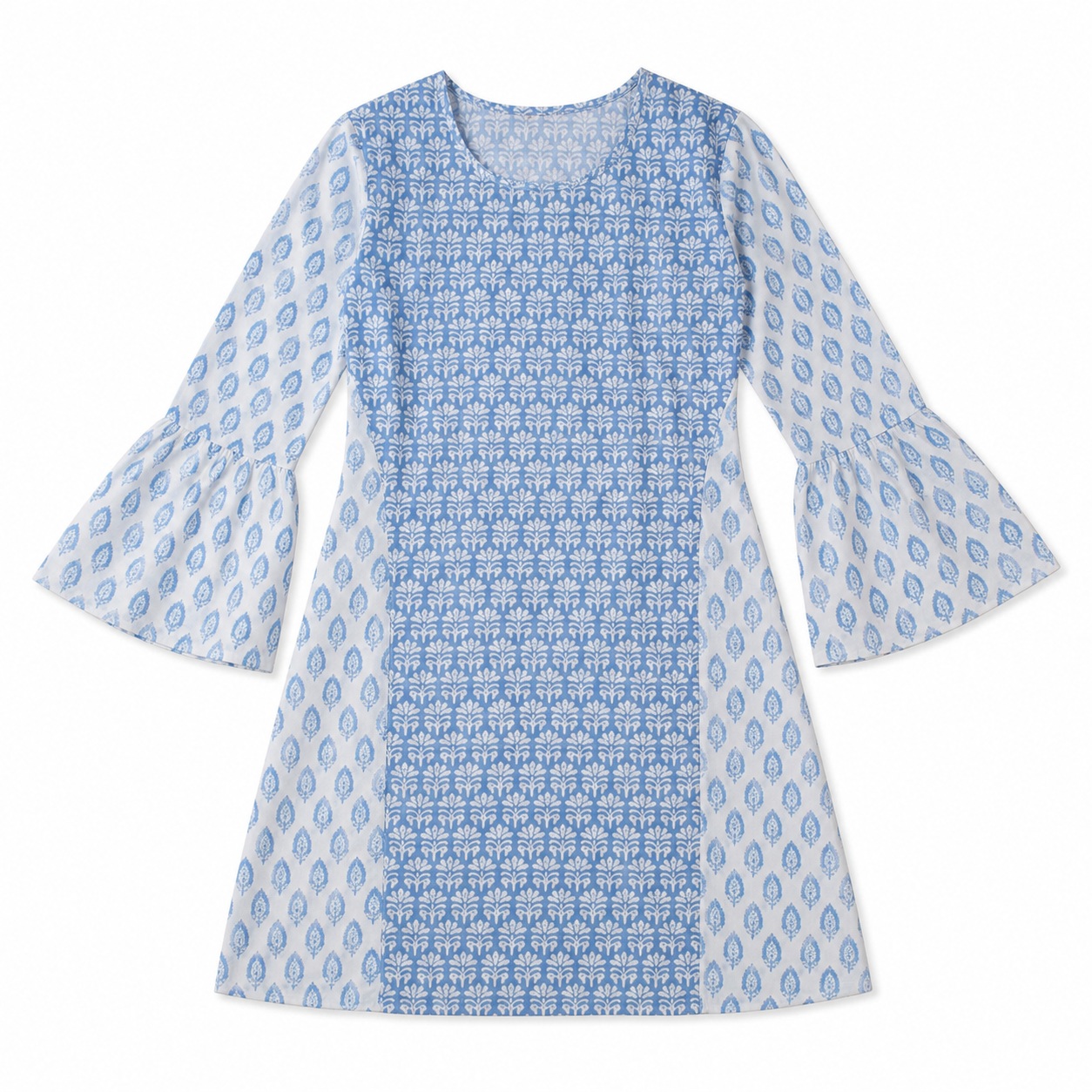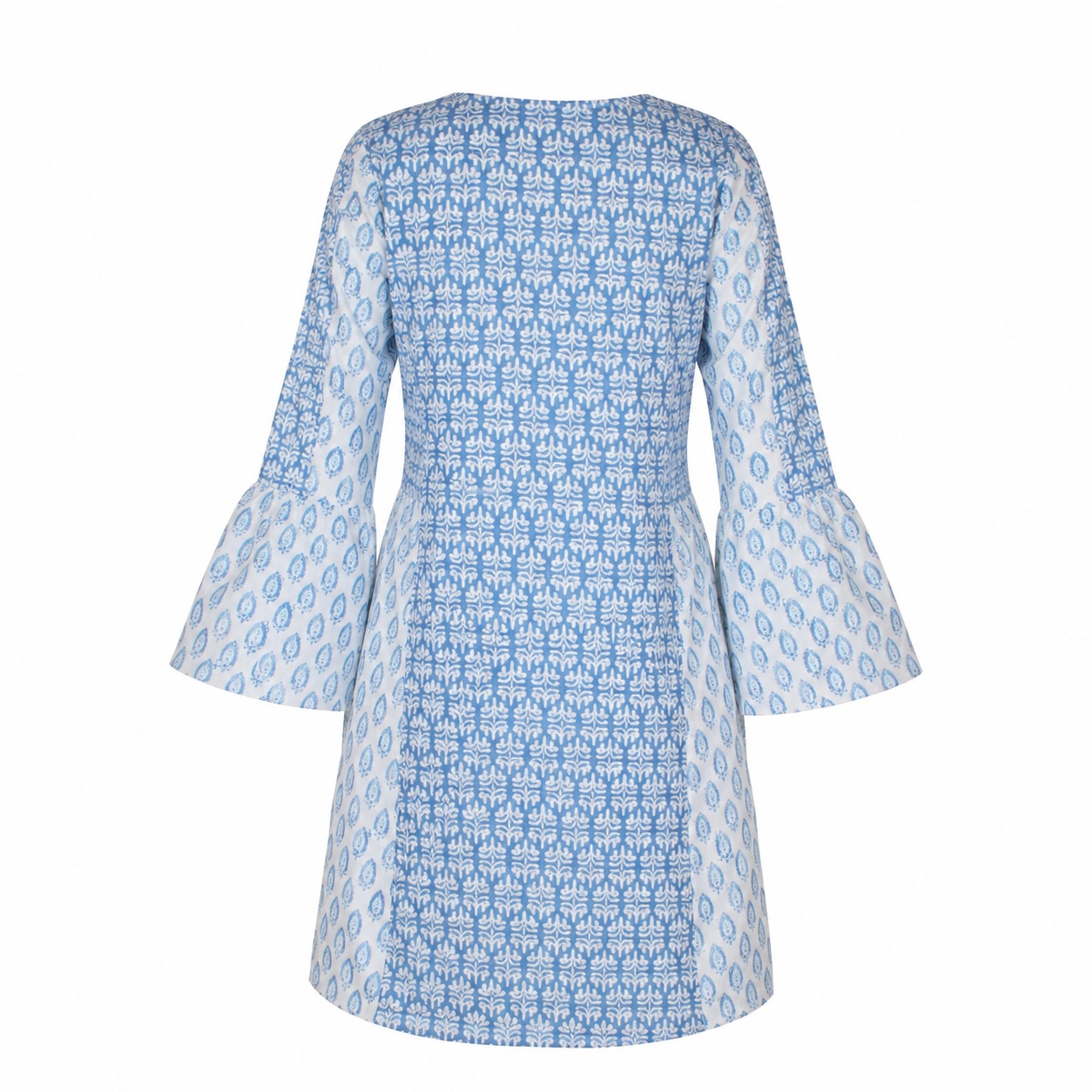
Fabric / Print / Border Close-Up
Copy the complete prompt, upload your product photo, and use the fix prompts only when the AI changes the product.
About this Workflow
- Transforms an ordinary kurti or ethnic-wear garment photo into a professional fabric / print / border close-up while preserving the original colour, print or embroidery, neckline, sleeves, side slits, hemline, fabric texture and proportions.
- Amazon sellers, Shopify stores, ethnic-wear brands, boutiques and marketplace agencies.
- One clear original photo showing the complete kurti or ethnic-wear garment and all important product details required for the workflow.
- A clean, realistic e-commerce image that clearly communicates the purpose of the workflow while keeping the kurti or ethnic-wear garment accurate and visually consistent.
Original photo vs ListingsReady result
Compare the uploaded product reference with the image created using this workflow.

Original product photo
Uploaded reference
ListingsReady result
Click the image to zoom.
Complete Prompt
Using the uploaded kurti or ethnic wear image as the only product reference, create a macro close-up Amazon secondary image focusing on the exact fabric texture, print, and border design of the garment. Preserve the original material appearance, weave, fabric colour, print, pattern spacing, pattern scale, border placement, border thickness, embroidery if present, stitching if visible, and fabric feel exactly. Do not smooth, stylize, redraw, recolor, or regenerate the fabric. Show a realistic close-up section of the garment such as the sleeve border, neckline border, hem border, printed fabric area, embroidered area, or side slit seam. Use clean commercial lighting. Crisp macro detail. High-resolution product photography.
Best AI to Use
ChatGPT Images
Original Image Required
Your own uploaded product photo — this is the only reference used.
Settings in ChatGPT
- Model
- GPT-5.5
- Intelligence
- High
- Mode
- Create an Image
Workflow Testing
- Last tested
- July 2026
- Tested with
- GPT-5.5
- Workflow version
- 1.0
- Typical result
- 1–2 generations
Common Mistakes
- Fabric gets overly smooth
- Print changes
- Pattern scale changes
- Border design changes
- Border thickness changes
- Colour shifts
- Texture becomes fake
- AI invents new fabric
- Embroidery becomes redesigned
- Macro crop looks unrealistic
- Stitching changes
Fix Prompts
If texture changes
Preserve the exact original fabric texture and weave. Do not smooth or replace the material.
If print changes
Keep the original print exactly unchanged, including spacing, scale, colour, and direction.
If border changes
Preserve the border design, thickness, colour, motif spacing, and placement exactly.
If embroidery changes
Preserve the embroidery exactly without redrawing, simplifying, or inventing new details.
If colour changes
Preserve the exact original fabric colour, print colours, border colours, and embroidery colours.
If macro crop is unrealistic
Show a natural, believable crop from the actual garment.
If stitching changes
Keep visible stitching consistent with the uploaded reference.
If AI invents new material
Remove the invented material appearance and restore the original garment fabric.
Related Workflows
Explore more image workflows for the same product type.